

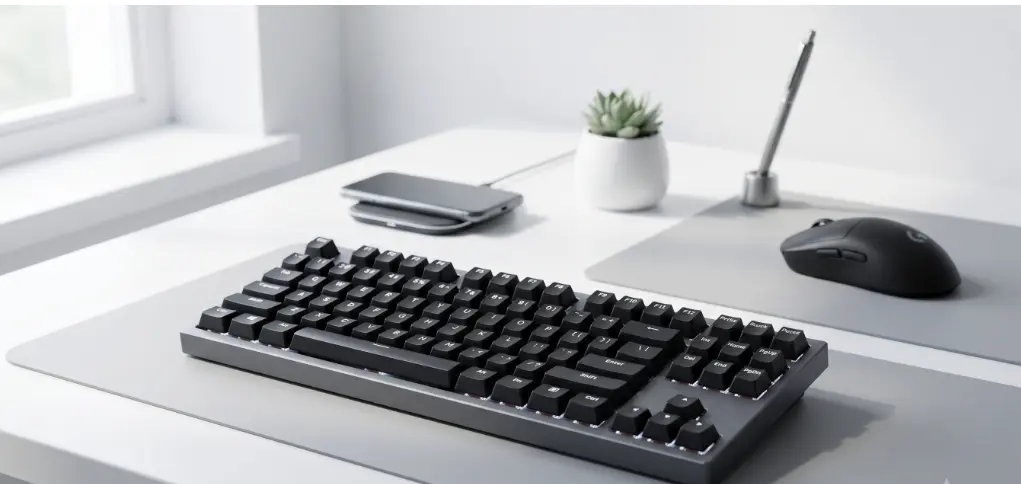
I still remember my first gaming keyboard – a hollow, plastic plank with mushy keys that screamed every time I pressed the spacebar. It felt like I was typing on a cardboard box. Back then, spending less than a hundred bucks meant you were settling for mediocrity. Fast forward to 2026, and the landscape is unrecognizable. You don’t have to sell a kidney to get an enthusiast-level typing experience anymore.
The competition has become so fierce that budget-conscious players are now getting features that were once locked behind $200 price tags. If you’re hunting for the best gaming keyboards for under $100, you’re actually in the magic “sweet spot” where price and performance finally meet in the middle without too much compromise.
$100 Sweet Spot: Why Budget Boards are Better Now
Finding the best gaming keyboards for under $100 used to be an exercise in frustration because manufacturers cut every possible corner. Today, the “budget” label is almost a misnomer. We’re seeing a massive influx of gasket-mounted cases, pre-lubricated switches, and even Hall Effect magnetic sensors in this price bracket. These aren’t just toys for casual play; they are precision tools that can genuinely keep up in a ranked Valorant lobby.
The secret lies in the rise of smaller enthusiast brands that forced giants like Razer and SteelSeries to stop overcharging for cheap plastic. Now, you can find heavy aluminum plates and PBT keycaps that don’t turn into a greasy mess after a week of use. It’s a great time to be a PC gamer because your dollar goes significantly further than it did even two years ago.
- Hot-Swappable PCB technology: This is a standard now, not a luxury. If a single switch dies or if you simply get bored of the “clicky” sound, you can pull it out and snap in a new one without touching a soldering iron.
- Rapid Trigger and Magnetic Switches: We’re seeing entry-level magnetic boards that offer “Rapid Trigger” features, which reset the key the millisecond you lift your finger – a literal lifesaver for counter-strafing.
- Sound Dampening Layers: Most boards in this list include internal silicone or poron foam to kill that annoying hollow “ping” sound, making your setup sound like it cost double what you actually paid.
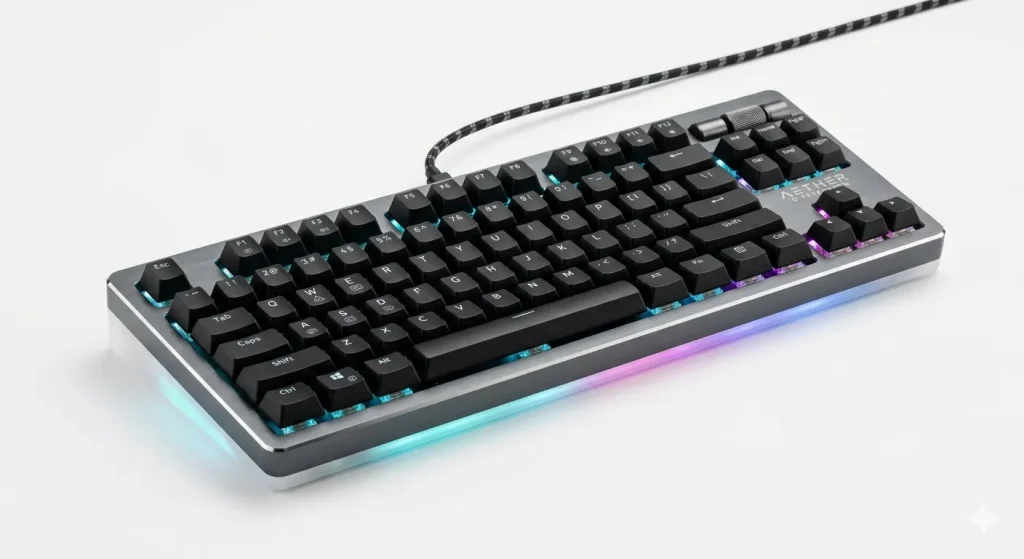
1. Keychron V1 Max: The King of Custom Feel
When I first unboxed the Keychron V1 Max, I honestly thought they sent me the wrong product because it felt too heavy for the price. This board is the poster child for why you don’t need a $300 custom build to get that satisfying “thocky” sound we all see on TikTok. It features a gasket mount design, which means the internal plate is suspended by rubber dampeners to give you a bouncy, cushioned feel when you’re mashing keys during an intense match.
It also supports 2.4GHz wireless and Bluetooth, giving you the freedom to clear up your desk clutter without worrying about input lag. It’s rare to find a board that feels this premium while staying firmly within the double-digit price range.
- Fully Programmable with QMK/VIA: You don’t have to deal with bloated, resource-heavy software. You just open a web browser and remap every single key or macro directly to the hardware.
- Pre-Lubed Jupiter Switches: These switches come out of the box feeling buttery smooth, eliminating the scratchy friction that usually plagues cheaper mechanical keyboards.
- South-Facing RGB LEDs: If you decide to upgrade your keycaps later, south-facing LEDs ensure you won’t have any physical interference with Cherry-profile caps, which is a big win for enthusiasts.
2. Razer Huntsman V2 TKL: The Speed Specialist
Razer finally listened to the community and fixed the loudest, most annoying parts of their flagship boards with the Huntsman V2 TKL. While the MSRP often hovers near the limit, you can almost always find this for under $100 at major retailers these days. It uses optical switches that use a beam of light to register a keypress, meaning there is zero physical contact – and therefore, zero “debounce” delay.
I’ve used this for marathon Overwatch sessions, and the 8,000Hz polling rate makes it feel like the keyboard is reading my mind. It’s a no-nonsense tool for anyone who cares about raw performance over fancy customization.
- Linear Optical Switches: These are incredibly fast and now come with internal sound-dampening foam to keep them from sounding like a typewriter in a library.
- Doubleshot PBT Keycaps: These caps have a textured, matte finish that feels great under your fingertips and will never fade or get shiny over time.
- Detachable USB-C Cable: It sounds like a small thing until your cat chews through your cable and you realize you can just swap it out instead of throwing the whole keyboard away.
3. DrunkDeer A75: The Rapid Trigger Dark Horse
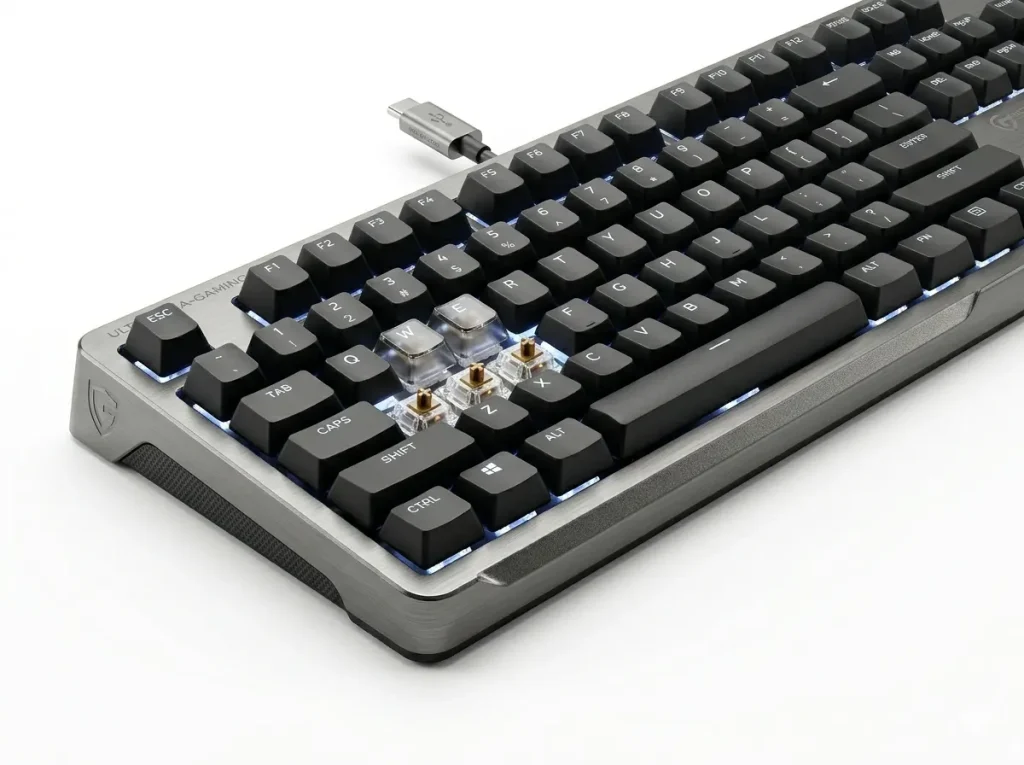
For competitive FPS players, the DrunkDeer A75 is the best budget magnetic keyboard. It features Hall Effect switches that allow for “Rapid Trigger” technology, making it the most affordable alternative to the legendary Wooting 60HE.
I was skeptical about DrunkDeer until I actually sat down and played a round of Counter-Strike with it. Magnetic switches are the “it” technology of 2026, and this is how you get them for under $100. Because it uses magnets to track how deep you’re pressing the key, you can set the actuation point to be as shallow as 0.1mm. If you barely tap the key, it registers.
More importantly, the Rapid Trigger feature means the key resets as soon as you start lifting it, not when it passes a fixed physical point. This gives you a massive advantage in any game that requires precise movement and stopping.
- Adjustable Actuation: You can make your keys hair-trigger sensitive for gaming and then switch to a “heavy” profile for typing to avoid making typos in your emails.
- Shock-Absorbing Structure: Even though it’s a budget-focused magnetic board, they didn’t skimp on the internal dampening to keep the typing experience comfortable.
- Compact 75% Layout: It keeps the arrow keys and the function row but chops off the number pad to give your mouse significantly more room to move.
Looking for the best options? Check out our complete guide on Best gaming keyboards for under $350
4. Akko 5075B Plus: The Aesthetic Powerhouse
If you want your desk to look like a workspace from a high-end interior design magazine, the Akko 5075B Plus is your best bet. Akko is famous for their unique colorways and high-quality keycaps that look like they belong on a custom group-buy board. But it’s not just a pretty face; the “B Plus” series features a triple-mode connection (Type-C, 2.4G, Bluetooth 5.0) that is incredibly stable.
I’ve been using their “Creamy” switches lately, and they provide a soft, poppy sound that is surprisingly addictive to type on. It’s one of the few boards that includes a high-quality volume knob that doesn’t feel like it’s going to fall off after three turns.
- Gasket Mount with PC Plate: The use of a polycarbonate plate instead of steel makes the board sound “deeper” and feel less harsh on your fingertips.
- High-Quality ASA Profile Keycaps: These are slightly taller and more sculpted than standard caps, which helps your fingers stay centered and reduces mistakes while typing fast.
- Side-Lighting RGB Strips: In addition to the backlit keys, there are translucent strips on the sides of the case that cast a beautiful glow across your desk mat.
5. HyperX Alloy Origins 60: The Portable Tank
There are times when you just want a keyboard that can survive being shoved into a backpack and thrown around. The HyperX Alloy Origins 60 is built like an absolute tank, featuring a full aircraft-grade aluminum body that doesn’t flex even a millimeter. I’ve taken this board to LAN parties and used it as a travel companion for years, and it still looks brand new.
The 60% layout is the ultimate space-saver, stripping away everything except the essentials. While you lose the arrow keys, the build quality and the reliability of HyperX’s own red switches make it a staple for anyone who values durability above all else.
- Full Aluminum Body: Most boards in this price range have a plastic bottom case, but HyperX used metal for the whole thing, giving it a very premium, weighted feel.
- Onboard Memory for Profiles: You can save up to three lighting and macro profiles directly to the keyboard’s brain, so they work perfectly even if you plug it into a computer without their software.
- Three Adjustable Tilt Angles: Most budget boards give you one or two heights, but this one lets you choose between three different angles to find your perfect ergonomic sweet spot.
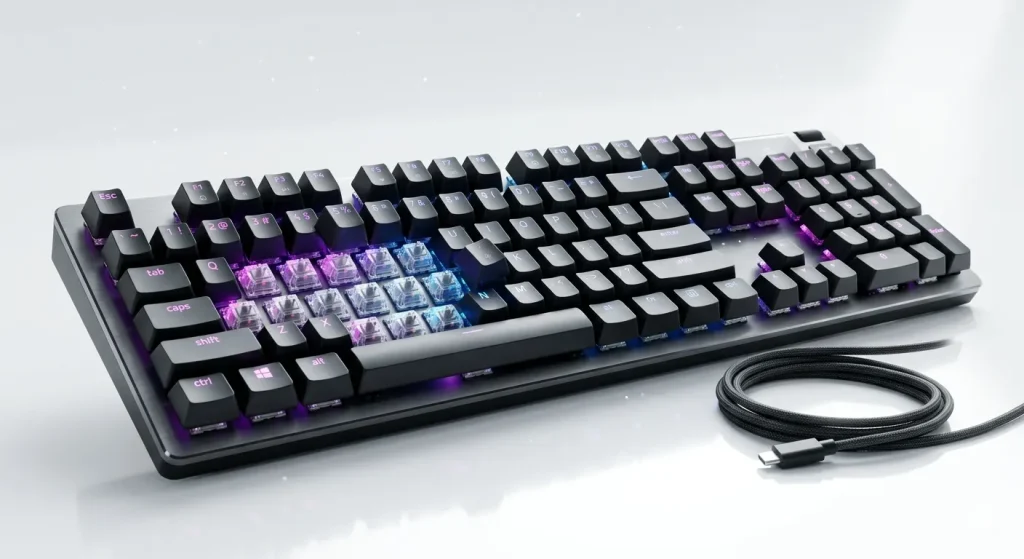
How We Tested the 5 Best Gaming Keyboards for Under $100
My testing process isn’t just about reading specs; it’s about living with these devices. I put every board on this list through a “one-week trial” as my primary driver. I start by typing a few thousand words to see how the switches feel for work, looking specifically for “scratchiness” or spring ping. Then, I dive into high-intensity gaming – usually a mix of Valorant for movement testing and Elden Ring for response time. I also pay close attention to the software experience. If a keyboard requires me to create an account or stay logged in just to change my RGB color, it gets penalized. In 2026, we should be past the era of intrusive software.
- Latency Testing: I use a 240Hz monitor to visually check for any noticeable delay between a keypress and the on-screen action, especially for the wireless models.
- Acoustic Profiling: I record a typing test for every board to ensure the stabilizers (the big keys like Space and Enter) don’t rattle or “tick,” which is a hallmark of a cheap keyboard.
- Battery Life Realities: For the wireless boards, I run them with full RGB brightness to see if they can actually survive a full work week without needing a recharge.
Frequently Asked Questions
Is a $100 keyboard actually better than a $50 one?
Usually, yes. In the $100 range, you start getting aluminum plates, better wireless chips, and “gasket mounting” which makes the board feel much more premium and comfortable. At $50, you’re usually stuck with a stiff, hollow plastic tray.
What are the best switches for gaming?
Linear switches (usually Red, Yellow, or Silver) are generally the gold standard for gaming because they are smooth and fast. However, magnetic switches (Hall Effect) are becoming the new favorite because you can customize their sensitivity.
Can I use a “gaming” keyboard for office work?
Absolutely. Many boards in the best gaming keyboards for under $100 list are actually better for work than “office” keyboards because they are more ergonomic and durable. Just be sure to pick “Linear” or “Tactile” switches if you don’t want to annoy your coworkers with loud clicking.
Why do people prefer smaller 60% or 75% layouts?
It’s all about mouse space. A full-size keyboard with a number pad is very wide, which forces your arms into an awkward wide stance. Smaller keyboards let you keep your hands closer together and give your mouse more room to move during low-sensitivity gaming.
Do wireless keyboards have lag in 2026?
Not the good ones. Using a 2.4GHz USB dongle provides a connection that is virtually indistinguishable from a wired cable. Avoid using Bluetooth for competitive gaming, though, as that connection still has a tiny bit of latency.
Final Thoughts
Finding the best gaming keyboards for under $100 is no longer a compromise – it’s a strategy. You are getting about 90% of the performance of a custom boutique board for a fraction of the cost. Whether you want the raw speed of the Razer, the magnetic magic of the DrunkDeer, or the custom-built feel of the Keychron, there is a perfect plank waiting for you. Stop settling for that mushy office board and give your setup the upgrade it deserves. You’ll be surprised how much a good set of switches can change your mood, whether you’re grinding for a higher rank or just clearing out your inbox.