
You’ve spent three grand on a PC that can simulate a black hole in real-time, but your Discord buddies still think you’re calling from a drive-thru window in 2004. It’s a classic frustration. We obsess over frame rates and mechanical switches, yet we often settle for the flimsy, nasal-sounding mic attached to our headsets. I’ve been there-clutching a 1v4 only to have my tactical call-out ignored because I sounded like a muffled mess. In the current era of high-fidelity streaming and professional-grade comms, having a dedicated setup is no longer just for the pros.
This year, the market has shifted toward specialized gear that filters out the chaos of a clicking keyboard while making your voice sound rich and authoritative. If you’re serious about your audio, my breakdown of the best microphone for gaming options for 2026 will help you finally cut through the noise.
Why Your Headset Mic is Sabotaging Your Stream
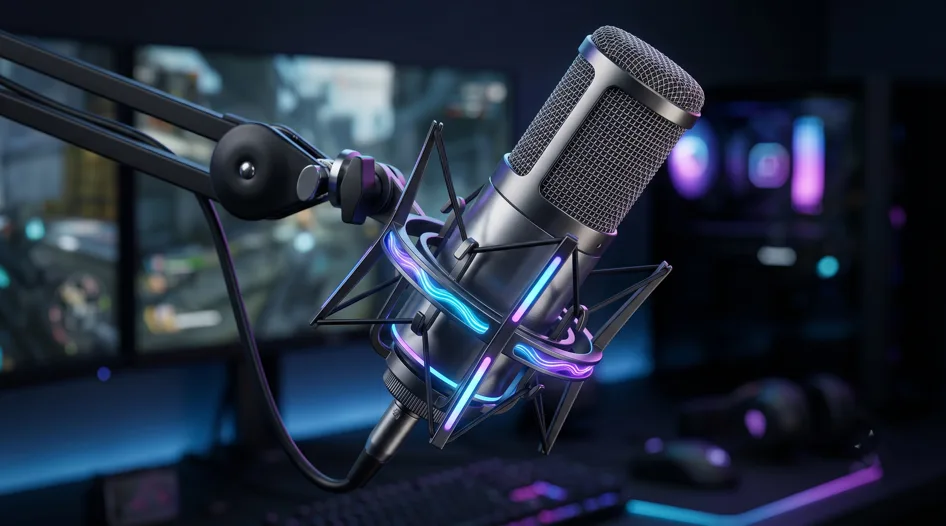
Most people stick with a headset mic because it’s convenient, but you’re hitting a physical wall with that technology. There’s only so much audio magic you can cram into a tiny plastic arm that’s constantly rubbing against your cheek. Standalone microphones use much larger diaphragms and better internal circuitry that captures the actual “weight” and nuance of your voice.
When I finally moved to a desk-mounted mic, my community immediately noticed I didn’t sound “distant” anymore-it felt like I was sitting in the room with them. It’s about reducing listener fatigue; people will watch a grainy 720p stream if the audio is crisp, but they’ll leave a 4K stream in seconds if the audio is piercing or full of static.
- Larger Diaphragm Surface: Standalone mics capture a wider frequency range, which means your voice has that deep, “radio” bass and crisp high-end.
- Off-Axis Rejection: Dedicated gaming mics are built to focus on what’s directly in front of them, effectively ignoring your neighbor’s lawnmower or your PC’s screaming fans.
- Higher Sampling Rates: Professional USB and XLR mics process audio at 24-bit or higher, providing a level of detail that a standard 3.5mm jack simply can’t touch.
1. SteelSeries Alias: Streaming Powerhouse
SteelSeries decided to stop playing it safe and built a mic specifically for the modern desk. The Alias features a 1-inch condenser capsule – three times larger than most competitors – which gives it a warm, broadcast-like quality that I usually only hear in expensive XLR studio setups. What I really love about this one is the LED level monitoring right on the front; it lets you know if you’re “clipping” (getting too loud) without you ever having to look at your software. It’s a smart, all-in-one solution that feels like it was designed by people who actually spend eight hours a day on Twitch.
- Gargantuan 1-inch Capsule: Delivers a rich, full-bodied sound that makes even a quiet voice sound authoritative and professional.
- Real-time LED Monitoring: A built-in light strip shows your volume levels and mutes status, so you never have to guess if your audience can hear you.
- Sonar Software Integration: The included app allows you to mix your game, chat, and mic audio separately, giving you a professional-grade virtual mixer for free.
2. HyperX QuadCast S
If you’ve watched a single YouTube video in the last three years, you’ve seen this mic. The QuadCast S isn’t just about the flashy RGB – though it does look incredible on camera – it’s about the quality of life features. The tap-to-mute sensor on top is probably my favorite feature in this entire best microphone for gaming list. It’s a capacitive sensor, so there’s no “click” sound when you mute yourself, and the entire mic glows red or turns off to show your status. It’s a foolproof system for those moments when you need to cough or yell at your cat without alerting your whole squad.
- Silent Tap-to-Mute: A quick touch on the top mutes the mic instantly, with a clear visual color change so you’re never caught “hot.”
- Four Polar Patterns: You can switch between cardioid, omnidirectional, bidirectional, and stereo, making it useful for both solo gaming and group interviews.
- Internal Pop Filter: The built-in mesh does a surprisingly good job at stopping “P” and “B” pops without needing a bulky external foam cover.
3. Logitech G Yeti GX: Dynamic Workhorse
Logitech took the legendary Yeti name and gave it a much-needed update for 2026. Unlike the older Yeti which picked up every pin-drop in the house, the Yeti GX is a dynamic microphone. This means it’s naturally much better at ignoring background noise like mechanical keyboards or PC fans. I’ve used this in a room with a loud air conditioner, and the noise rejection was so good I didn’t even need to use a software gate. It’s a rugged, heavy-duty piece of gear that integrates perfectly with the Logitech G Hub, allowing you to use Blue VO!CE filters to sound like a professional announcer with one click.
- Dynamic Capsule Technology: Specifically tuned to pick up your voice and reject the ambient noise of a typical gaming room.
- Super-Cardioid Pattern: A tighter pickup zone than most mics, ensuring that your voice is the only thing the audience hears.
- G Hub Customization: Sync the RGB lighting with your mouse and keyboard while fine-tuning your EQ settings through a single piece of software.
Looking for the best options? Check out our complete guide on best Microphone For Gaming
4. Razer Seiren V3 Pro: Professional
Razer has moved away from the “gaming toy” look and created something that wouldn’t look out of place in a recording studio. The Seiren V3 Pro captures audio at a 96kHz sampling rate, which provides a level of clarity and “headroom” that is rare for a USB microphone. In my testing, I found that the high-frequency detail was exceptionally clean, making it a great choice for people with higher-pitched voices who often find themselves sounding “tinny” on other mics. It also features a multi-function tap sensor that lets you adjust gain and toggle your monitoring directly from the mic body.
- 96kHz High-Resolution Audio: Provides studio-quality fidelity that captures the subtle nuances and “air” of your voice.
- Customizable Tap Sensor: Beyond just muting, you can use the sensor to cycle through gain settings or adjust your headphone volume.
- Integrated Shock Mount: The internal suspension helps absorb the vibrations from your desk if you happen to be a “heavy” typer or mouse-flicker.
5. Shure SM7B
If you have the budget and you want to be done searching for a mic forever, just buy the Shure SM7B. It’s an XLR microphone, meaning you’ll need an external interface like a Focusrite Scarlett to use it, but the sound quality is the undisputed gold standard of the industry. I’ve had mine for years, and it has outlasted every other piece of tech on my desk. It has a way of smoothing out your voice and adding a “radio” warmth that is simply impossible to replicate with software. It’s an investment in your brand, but it’s the last microphone you’ll ever need to buy.
- Legendary Sound Profile: Flat, wide-range frequency response that makes nearly any voice sound like a professional broadcaster.
- Internal Air Suspension: This mic has a built-in shock mount that is incredibly effective at stopping low-end thumps from reaching your recording.
- Classic “Broadcast” Aesthetic: It looks professional on camera and immediately signals to your audience that you take your content seriously.
6. Rode PodMic USB: Best of Both Worlds
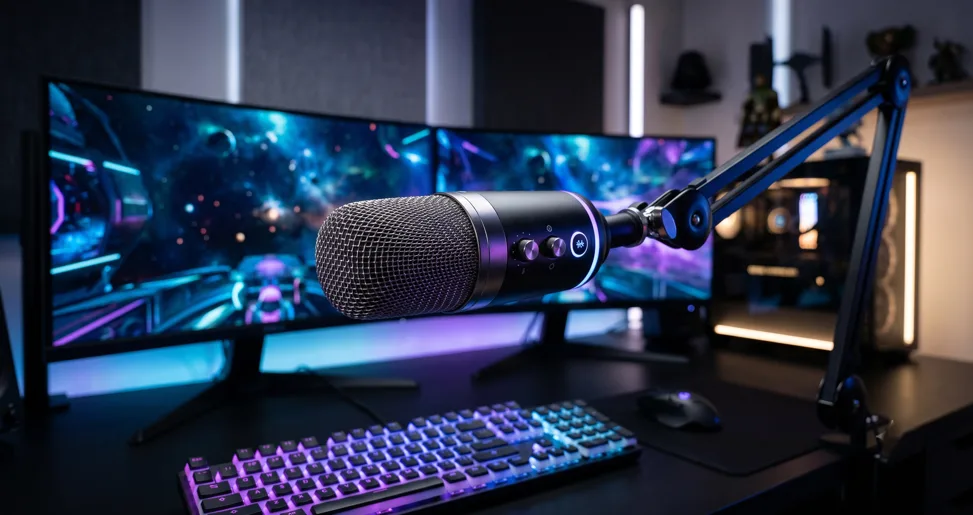
Rode noticed that people were torn between the ease of USB and the power of XLR, so they made a mic that does both. The PodMic USB is an absolute tank—it’s all metal and weighs a ton—which helps with stability on your boom arm. What makes it special is the internal APHEX processing; even when you’re using it via USB, it has built-in hardware that applies compression and EQ to your voice in real-time. I often recommend this to people who want a “pro” look and sound today but might want to move to a multi-mic XLR setup in the future.
- Dual XLR/USB Output: Use it with your laptop today and your professional mixer tomorrow without needing to buy a new mic.
- Onboard APHEX DSP: High-end digital processing built directly into the mic to make your voice sound polished and “produced” without extra software.
- Swivel Mount Included: The integrated swing mount makes it incredibly easy to position on a boom arm without needing a separate shock mount.
7. Elgato Wave 3: The Software King
The Elgato Wave:3 is a solid microphone, but the real star here is the “Wave Link” software that comes with it. It acts as a digital mixer that lets you route your game audio, Spotify, Discord, and mic into separate channels for your stream. I’ve found that for people who do “just chatting” streams or react content, this software is a life-saver. The mic itself also features “Clipguard” technology, which automatically lowers your volume if you scream or laugh too loudly, preventing that distorted, “blown-out” sound that ruins a good moment.
- Wave Link Mixer: A professional-grade virtual mixer that lets you control all your audio sources in one place for your stream.
- Clipguard Tech: An “anti-distortion” feature that prevents your audio from peaking, no matter how loud you get during a clutch moment.
- Minimalist Design: Small and unobtrusive, it won’t block your screen or distract from your face on camera.
8. Audio-Technica AT2020USB-X: Studio Classic
Audio-Technica has been a staple of professional studios for decades, and the AT2020USB-X brings that legacy to the gaming desk. This is a “no-nonsense” microphone; it doesn’t have RGB lights or fancy software, but it has one of the cleanest, most natural sound profiles on the market. If you want to sound exactly like yourself without any “coloring” or artificial bass boost, this is the mic for you. It’s one of the few USB mics that feels like a piece of high-end studio equipment rather than a gaming peripheral.
- High-Res A/D Converter: Features a 24-bit/96kHz sampling rate for crystal-clear, detailed audio reproduction.
- Soft-Touch Mute Button: A capacitive mute button that is completely silent, so you don’t hear a loud “thump” when you press it.
- LED Indicator Ring: A blue ring that turns red when muted, providing a simple and effective status check at a glance.
9. Sennheiser Profile: German Engineer’s Choice
Sennheiser is a name that commands respect in the audio world, and the Profile USB mic is their love letter to creators. It’s probably the easiest mic to use on this entire list. There are no menus or complicated drivers; everything you need-gain, mute, and headphone mix-is controlled by three physical knobs on the front. I’ve found the build quality to be exceptional, with a satisfying “weight” to the controls. It also features a tilt function that makes it very easy to point directly at your mouth without needing a complex boom arm setup.
- Simplified Physical Controls: Adjust your volume and gain instantly with tactile knobs that feel premium and responsive.
- All-Metal Housing: Built to last for years, with a rugged construction that can handle being tossed in a travel bag.
- Tilt-Adjustable Base: Allows for perfect positioning on your desk, ensuring the capsule is always angled toward your voice.
10. Razer Seiren Mini: The Budget Hero
Rounding out our best microphone for gaming list is the Razer Seiren Mini. Don’t let the tiny size or the low price fool you; this little guy punches way above its weight class. It uses a super-cardioid pickup pattern that is surprisingly good at ignoring room noise. I’ve recommended this to countless people who are just starting out and don’t want to drop $150 on gear. It’s small enough to fit under your monitor, and the sound quality is lightyears ahead of any built-in laptop or headset mic I’ve ever tested.
- Ultra-Compact Footprint: Takes up virtually zero space on your desk, making it ideal for minimalist or small setups.
- Super-Cardioid Pattern: A tighter pickup angle that focuses on your voice and ignores your clicking keyboard or background hum.
- Plug-and-Play Simplicity: No software or setup required—just plug it in and you’re ready to record in seconds.
Finding the Sweet Spot for Your Audio Setup
Even if you grab the most expensive mic on this list, your room can still sabotage you. Sound waves are like bouncy balls; they hit your bare walls and hardwood floors and bounce right back into the mic, creating that “echo” or “hollow” sound. You don’t need to turn your room into a padded cell, but adding a few soft items like a rug or some heavy curtains can make a $100 mic sound like a $500 one. I’ve even seen people throw a heavy blanket over their monitor during a recording session just to kill the reflections – it’s not pretty, but it works.
Positioning is the second half of the battle. Most people place their mic way too far away and then crank up the “gain” to compensate, which just picks up more background noise. Try to keep your mic about 4 to 6 inches from your mouth. This lets you keep the gain low, which naturally lowers the “noise floor” of your recording. If you find the mic is blocking your screen, invest in a boom arm; it’s the single best upgrade you can make for your posture and your audio quality simultaneously.
Frequently Asked Questions
Is a USB microphone good enough for pro streaming?
Absolutely. In 2026, USB microphones like the SteelSeries Alias or the Elgato Wave:3 have reached a point where the difference between them and professional XLR gear is almost imperceptible to the average listener on Twitch or YouTube.
What is the difference between a dynamic and a condenser mic?
Condenser mics are more sensitive and pick up more detail, which is great for quiet, treated rooms. Dynamic mics are more “rugged” and better at ignoring background noise, making them the preferred choice for gamers in normal, non-soundproofed rooms.
Do I need a pop filter for my gaming mic? If you talk close to the mic, yes. A pop filter stops the “plosives”—the burst of air from sounds like “P” and “B” – from hitting the capsule and causing a clipping sound. Many modern gaming mics have these built-in, but an external one is a cheap and effective upgrade.
Why does my microphone sound quiet on Discord? This is often a software setting. Check that your Input Volume in Discord is turned up and that you’ve selected the correct microphone in the settings. Also, ensure the “Gain” knob on your physical microphone isn’t turned all the way down.
Conclusion
Choosing the right gear is a personal journey, but hopefully, this list of the best microphone for gaming setups has given you a solid place to start. Whether you’re looking for the visual flair of the QuadCast S or the professional reliability of the Shure SM7B, the goal is always the same: to be heard clearly. Your voice is your most important tool as a creator and a teammate, so don’t let a bad headset mic hold you back. Invest in your audio, and I promise you, the rest of your production will feel a whole lot more professional. Grab your new mic, hop in the lobby, and let them hear you loud and clear.