

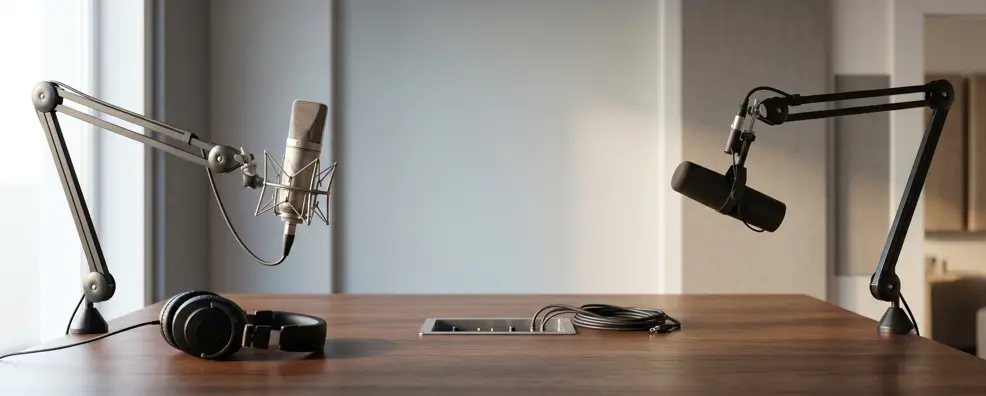
You’ve finally hit the “order” button on that high-end camera, and your lighting setup looks like a professional film set, but there’s one glaring problem: your audio sounds like you’re shouting from the bottom of a Pringles can. It’s a classic mistake. We get so caught up in the visuals that we forget people will forgive a grainy video, but they’ll close a tab in seconds if the audio is piercing or muffled.
I’ve seen countless creators spend a fortune on gear only to realize they bought the wrong tool for their specific room. Learning how to choose a microphone isn’t about finding the most expensive option on the shelf; it’s about matching the hardware to your voice, your desk, and the annoying hum of your air conditioner.
First, Listen to Your Room
Before you even look at a spec sheet on how to choose a microphone, you need to be honest about where you’re recording because your environment dictates about 70% of your final sound quality. If you’re in a spare bedroom with hardwood floors and bare walls, a highly sensitive studio mic is actually your worst enemy. It’s going to pick up every tiny echo and the sound of your neighbor’s dog three houses down.
In my experience, most home setups aren’t “treated” with acoustic foam, which means you need a mic that is intentionally a bit “deaf” to anything that isn’t your mouth. This is the fundamental fork in the road between two very different technologies that dominate the market today.
- Dynamic Microphones: These are the workhorses of the industry and are naturally less sensitive, making them perfect for “noisy” rooms or gamers with clicky mechanical keyboards.
- Condenser Microphones: These capture incredible detail and “air” in a voice, but they are unforgiving in untreated spaces where they’ll pick up your PC fan and distant traffic.
- Acoustic Reality: A $100 dynamic mic in a bad room will almost always sound better than a $500 condenser mic in that same echoey space.
USB VS. XLR – Choosing Your Connection Path
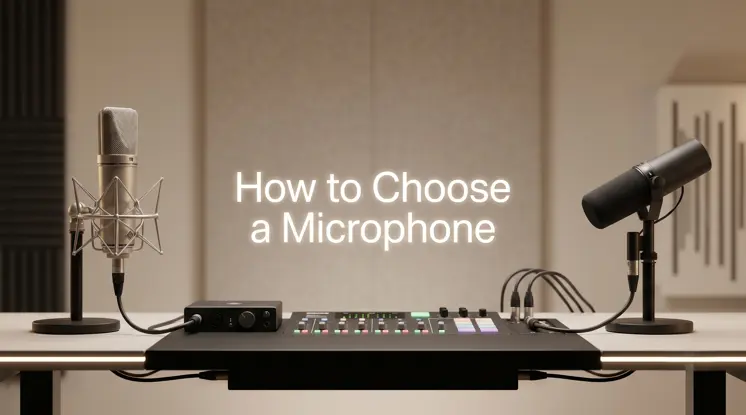
When thinking about how to choose a microphone, the debate between USB and XLR used to be a simple choice between “amateur” and “pro,” but in 2026, those lines are almost non-existent. USB microphones have come a long way, with many now offering 24-bit/96kHz resolution that rivals mid-range studio gear.
They are the ultimate “plug-and-play” solution for solo creators who just want to get to work without managing a nest of cables. However, if you ever plan on having a guest sit across from you for a podcast, USB becomes a logistical nightmare because computers generally don’t like talking to two USB mics at once. That’s where the traditional XLR setup – which requires an external audio interface – becomes the smarter long-term play for growth.
What is the best way to choose a microphone connection?
If you are a solo streamer or gamer who wants simplicity, choose a USB-C microphone. If you plan to expand to a multi-person podcast or want the ability to upgrade individual parts of your setup (like the preamp or interface), go with an XLR connection. Hybrid microphones like the Shure MV7+ offer both, giving you the best of both worlds.
- USB Convenience: Ideal for travel and simple desk setups; everything you need (converter, preamp) is built directly into the microphone body.
- XLR Flexibility: Allows you to use high-end interfaces like the Focusrite Scarlett and lets you run multiple microphones into a single recording device.
- The Hybrid Trend: Many 2026 models now feature “dual-output,” allowing you to start with USB and switch to XLR once you buy an interface.
Decoding Polar Patterns and Why They Matter
A polar pattern is essentially a map of where the microphone listens and where it ignores sound, and picking the wrong one is a fast track to bad audio. Most creators should stick to a Cardioid pattern, which is heart-shaped and focuses strictly on what is directly in front of the capsule. I’ve seen people buy “Omnidirectional” mics for solo streaming because they thought “more coverage” meant “better quality,” only to end up with a recording that sounds like they’re in a cavern.
Understanding these shapes helps you position your gear so that the “dead zones” are pointed at your noisy PC or your window, effectively acting as a physical shield against unwanted noise.
- Cardioid: The standard for 90% of users; it picks up your voice and rejects noise from the back of the mic.
- Supercardioid: A tighter version of cardioid that offers even more side rejection, though it has a small “bulb” of sensitivity directly behind it.
- Bidirectional (Figure-8): Perfect for face-to-face interviews where you want to capture two people with one microphone sitting between them.
- Omnidirectional: Picks up sound from all 360 degrees; only useful for “room sound” or group meetings around a circular table.
Looking for the best options? Check out our complete guide on Condenser Microphone vs Dynamic Microphone
The Pro Secret – Distance and Essential Accessories
The most expensive microphone in the world will sound terrible if it’s sitting three feet away on your desk while you’re hunched over your keyboard. Pro-level audio is achieved by keeping the mic close to the source – usually about 4 to 6 inches from your mouth – which allows you to keep the “gain” low and the background hiss even lower. This is why a sturdy boom arm is often a more important purchase than the mic itself.
It lets you float the capsule right where it needs to be without cluttering your desk. I also tell every beginner that a $15 pop filter is non-negotiable; those “P” and “B” sounds (plosives) can literally ruin a recording with a series of loud, distorted thumps.
- Boom Arms: These keep the mic off your desk to prevent “thumping” noises when you move your mouse or type.
- Shock Mounts: These use elastic bands to suspend the mic, acting as a suspension system to absorb floor vibrations or desk bumps.
- Pop Filters: A simple mesh or foam screen that stops bursts of air from hitting the sensitive diaphragm and causing “clipping.”
Frequently Asked Questions
Do I need Phantom Power for my microphone?
If you choose a condenser microphone with an XLR connection, yes. Most audio interfaces have a “+48V” button that sends the necessary power through the cable. Dynamic mics generally don’t need it, though they won’t be harmed by it if it’s accidentally left on.
Can I use a gaming microphone for professional work meetings?
Absolutely. In fact, your coworkers will likely be impressed by how clear you sound. Just be careful with RGB lighting; some “gaming” mics look a bit too flashy for a serious corporate boardroom call.
What is a “Gain-hungry” microphone?
Some legendary mics, like the Shure SM7B, put out a very quiet signal. You’ll often need a “mic booster” (like a Cloudlifter) or a high-end interface with plenty of clean gain to bring the volume up to a professional level without adding hiss.
Is bit depth more important than sample rate?
In 2026, yes. While high sample rates (like 192kHz) are mostly for marketing, having a higher bit depth (like 24-bit or 32-bit float) gives you more “room” to fix your audio if you accidentally record too loudly or too softly.
Final Thoughts
Navigating the world of audio can feel like learning a second language, but it really comes down to being practical about your space. If you work in a quiet, carpeted room, treat yourself to a condenser. If you’re a gamer in a busy apartment, grab a dynamic. Don’t get distracted by the flashy marketing or the highest price tag; instead, focus on the specs that actually solve your problems. Once you understand how to choose a microphone that fits your lifestyle, you’ll spend less time fiddling with settings and more time actually creating. Good audio is the invisible foundation of a great brand, so take the time to get it right the first time.